Website builder
Website builder for bakeries
A page that shows what came out of the oven this morning, where you are, and how to order a cake — built from one description.
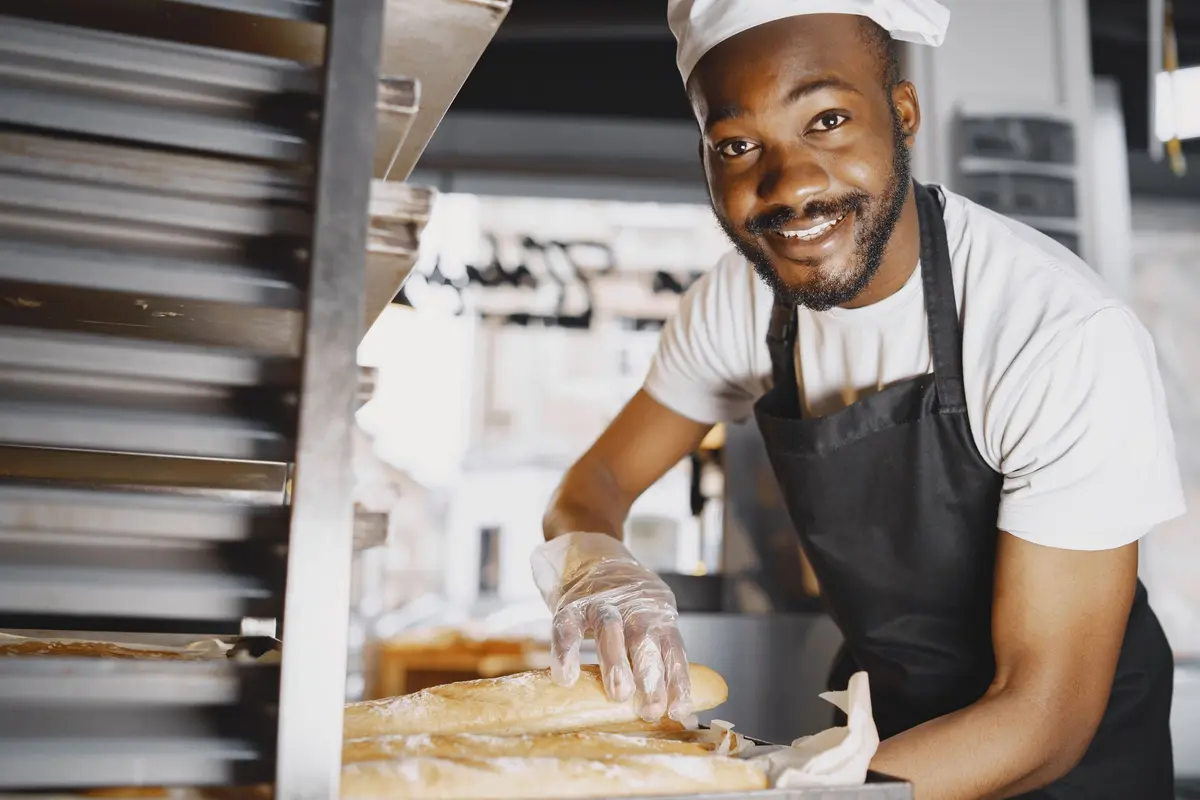
Most bakery websites fail at the same two things: the opening hours are three clicks away, and the custom-cake enquiry is a bare email address. Both are decided before anyone tastes anything.
Describe the bakery — what you bake, whether you do orders, where you are — and Sitemo lays out the products with prices, puts the hours and the map on the home page, and wires the order enquiry to your email and to a record you can look up later.
What they came for
What people want from a bakery website
Four questions a visitor arrives with. Everything below is what the generated page does about them.
Are you open right now?
Most visits are someone on a phone three streets away. The hours day by day and the map are on the home page, not behind a contact link.
What have you got today?
Your bakes are rows in a table with a price and a line each, so putting the sourdough back on the list is one edit rather than a redesign.
Will you make the cake I want?
A custom order is a different conversation from walking in, so the enquiry asks the date, the size and the flavour instead of handing over a bare email address.
Is it worth crossing town for?
Photographs of what actually came out of your oven, at a size worth looking at — the gallery is planned in from the start, not left as an empty widget.
Common problems
What tends to go wrong on bakery websites
Three patterns that come up often. None of them is a design problem, and each is a sentence or two of work to fix.
The opening hours are a photograph
A photograph of a sign can't be read by a search engine, doesn't resize on a phone, and stays up after the hours change. As text, day by day, it can be corrected in seconds.
The cake enquiry is an email address
A mailto: link leaves the visitor to compose the message and guess what you need to know. A short form asking for the date, the size and the flavour collects the same information more reliably.
Every photograph is of coffee beans
Stock images of beans and worktops describe a category rather than this bakery. A few photographs of your own bakes give a visitor something specific to judge.
What gets built
What a bakery website needs
The sections Sitemo plans for bakeries, in the order it puts them on the page.
The opening screen
The first screen: a photograph of the real place, the name, and the one thing you want a visitor to do next.
Menu
Dishes grouped into courses, each with its price, a line of description and a photo — not a PDF someone has to pinch to read.
Services
What you sell, with prices. A list when there are many, cards with photographs when there are a few.
How the work goes
How the work actually goes, step by step — the part that turns a quote into a booking.
The numbers
The two or three numbers worth stating plainly: years open, jobs done, hours in the smoker.
The facts people decide on
The handful of facts a visitor decides on — walk-ins welcome, open Sundays, free parking, fully insured.
Gallery
The work, the room, the finished job. Laid out as a set, so one good photograph isn't carrying the whole page.
Your story
The short version of why the place exists, in your voice rather than a company profile.
Testimonials
Room for the reviews you already have. Your words from your customers — nothing invented to fill the space.
FAQ
The questions you answer on the phone all day, answered once on the page.
Hours & location
Address, opening hours day by day, phone number and a map. For most local businesses this is the most-visited part of the site.
Contact form
An enquiry that reaches you as an email and is kept as a record you can open later.
The ask
The line that asks for the call, the booking or the visit.
Not a fixed list. Sitemo decides which of these your site actually needs from what you describe — a bakery with four things to sell gets a different page from one with forty.
Underneath the page
And the parts that aren't pages
Most bakeries need somewhere to keep this. It comes with the site rather than being a plugin you go and find.
Each one is a table you edit in your dashboard — change a price, add a service, take something off the list — and the published site follows. Enquiries arrive as an email and are kept as records you can search later, so nothing is lost because an inbox was busy.
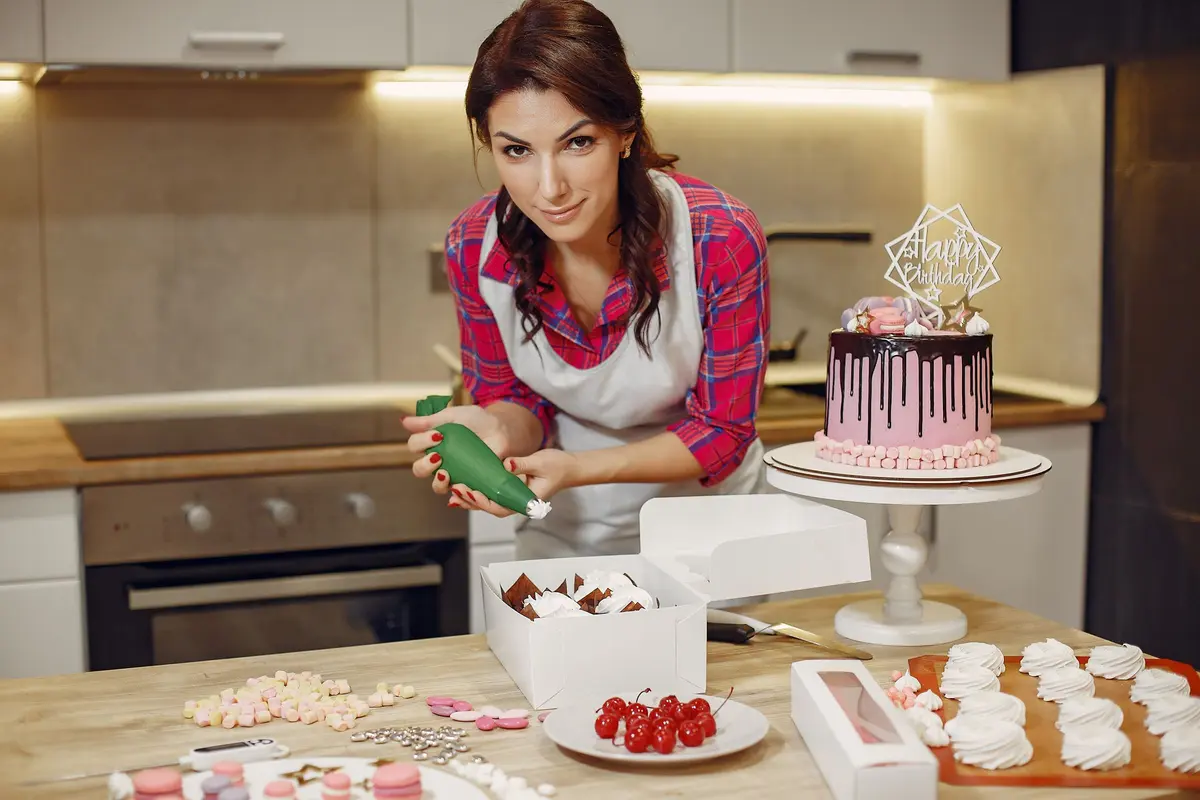
The words
The same line, written twice
A general version of a line and a specific one, both about the same length. The difference is how much a visitor can do with it.
General
“Freshly baked goods made with love and the finest ingredients.”
Specific
“Sourdough proved overnight and out of the oven at seven. Cakes to order with three days' notice.”
The first describes a feeling; the second gives a time and a lead time.
General
“Contact us for custom cake enquiries.”
Specific
“Tell us the date, the size and what it should say — we answer within a day.”
Listing the fields shows how short the request is before someone starts it.
The prices and areas above are made-up examples; what is being shown is the shape of the sentence. Yours go in the box below, and the site is written from them.
Try it
Describe your bakery
This is the same box that's on the home page, filled in with the example above. Change it to yours.
Free to try · No credit card · Your site stays exportable
Questions
Websites for bakeries
- Can I take custom cake orders through the site?
- Yes. The enquiry form can carry the fields you actually need — the date, the size, the flavour, the writing on top — and each submission arrives as an email and is kept as a record in your dashboard, so an order isn't lost because an email was.
- What if my products change every week?
- Your products live in a table you edit in the dashboard, not in the page's markup. Changing a price or taking a bake off the list is an edit to one row, and it doesn't need the site rebuilt or a developer.
- Do I need photographs of everything before I start?
- No. The site is generated with stock photography chosen for what you described, and every image can be swapped for your own later by clicking it in the editor. It is easier to replace six photos on a finished page than to gather them before you have one.
- Can I tell people we've sold out for the day?
- Yes. The announcement bar across the top of the site is there for the thing that changed this morning — retype it, publish, and it is live in seconds. Take it down the same way.
- Can I add a page for wholesale orders?
- Yes. Ask for it in chat — "add a page for wholesale" — and the page is created with real content on it, and the navigation and footer links are updated across the site.
- What happens to an order enquiry if I miss the email?
- It is still there. Every submission is kept as a record in your dashboard with all the fields the form asked for, so the email is a notification rather than the only copy.
Where this isn't the right tool
If you want a shop — a basket, delivery slots, a card taken at checkout — this is not that, and a bakery posting boxes nationwide belongs on a shop platform. Sitemo is for the bakery whose orders arrive as enquiries and get made in the back.