Website builder
Website builder for pizzerias
The menu, the hours, the address, and a table booking that knows how many tables you have.
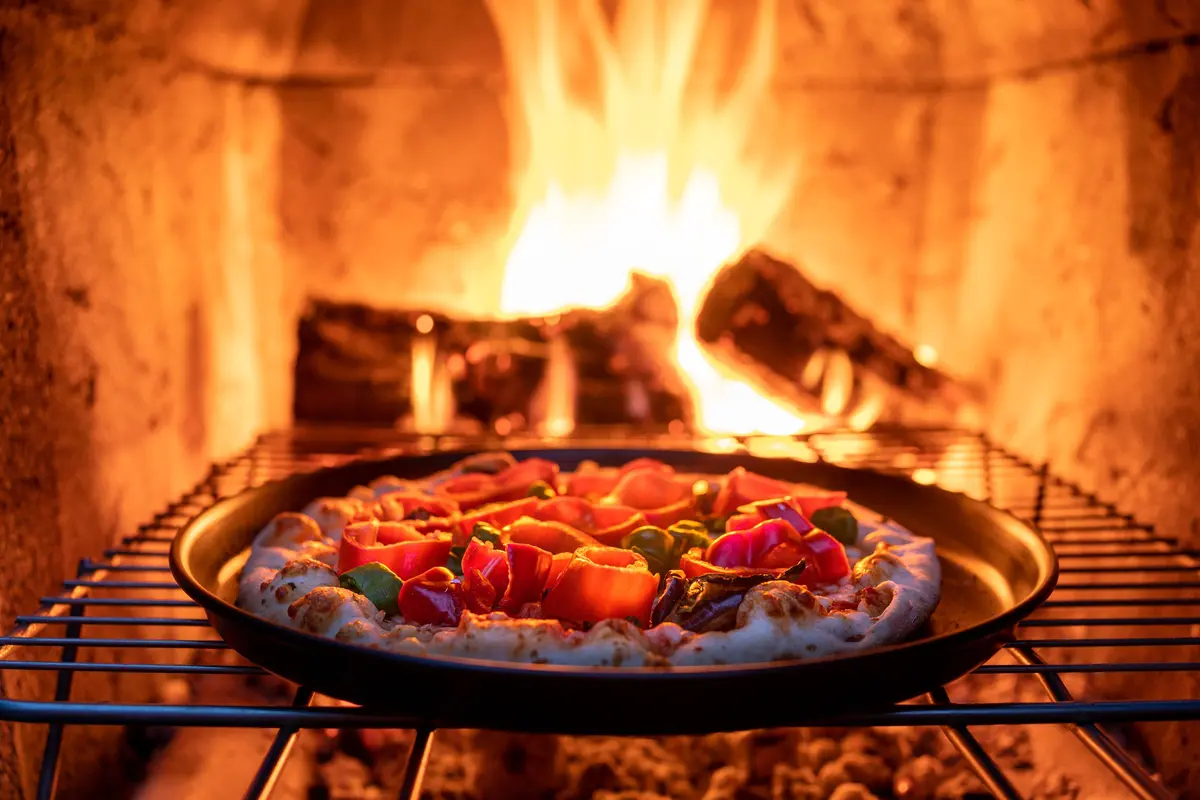
A pizzeria's website is doing one of two jobs: getting someone to order, or getting someone to book a table. Both fail on the same thing — a menu that is a photograph of a menu.
Describe the place and the menu is built as real, editable items with prices and courses, the kind a phone can read and a search engine can index. Reservations, if you take them, hold the slot and stop accepting once the sitting is full.
What they came for
What people want from a pizzeria website
Four questions a visitor arrives with. Everything below is what the generated page does about them.
Have you got a table at eight?
The booking takes the date, the time and the party size, holds it against the covers you set for that sitting, and refuses once they're gone rather than double-booking the room.
What's on, and what does it cost?
Real priced items grouped into courses. A phone can read them and a search engine can index them, which is true of no photograph of a menu ever taken.
Do you deliver, or is it collection?
The handful of facts that decide the order — delivery area, collection times, whether the kitchen is still open — sit near the top instead of three paragraphs down.
Where are you and when do you close?
Address, map and hours day by day on the home page. A late kitchen close is exactly the thing someone checks at nine o'clock.
Common problems
What tends to go wrong on pizzeria websites
Three patterns that come up often. None of them is a design problem, and each is a sentence or two of work to fix.
The menu is an image
A photograph of a printed menu can't be resized, searched or edited. As text, a special is a row added on Thursday and removed on Sunday.
Booking means "call us"
A good deal of restaurant browsing happens in the evening, when the phone isn't being answered. A form that holds the table can take a booking outside service hours.
The kitchen's last order time is missing
The kitchen's last order time decides whether somebody sets off. Without it on the page, the question arrives as a phone call during service.
What gets built
What a pizzeria website needs
The sections Sitemo plans for pizzerias, in the order it puts them on the page.
The opening screen
The first screen: a photograph of the real place, the name, and the one thing you want a visitor to do next.
Menu
Dishes grouped into courses, each with its price, a line of description and a photo — not a PDF someone has to pinch to read.
Services
What you sell, with prices. A list when there are many, cards with photographs when there are a few.
How the work goes
How the work actually goes, step by step — the part that turns a quote into a booking.
The numbers
The two or three numbers worth stating plainly: years open, jobs done, hours in the smoker.
The facts people decide on
The handful of facts a visitor decides on — walk-ins welcome, open Sundays, free parking, fully insured.
Gallery
The work, the room, the finished job. Laid out as a set, so one good photograph isn't carrying the whole page.
Your story
The short version of why the place exists, in your voice rather than a company profile.
Testimonials
Room for the reviews you already have. Your words from your customers — nothing invented to fill the space.
FAQ
The questions you answer on the phone all day, answered once on the page.
Hours & location
Address, opening hours day by day, phone number and a map. For most local businesses this is the most-visited part of the site.
Contact form
An enquiry that reaches you as an email and is kept as a record you can open later.
The ask
The line that asks for the call, the booking or the visit.
Not a fixed list. Sitemo decides which of these your site actually needs from what you describe — a pizzeria with four things to sell gets a different page from one with forty.
Underneath the page
And the parts that aren't pages
Most pizzerias need somewhere to keep this. It comes with the site rather than being a plugin you go and find.
Each one is a table you edit in your dashboard — change a price, add a service, take something off the list — and the published site follows. Bookings hold the slot against the capacity you set and stop accepting once it's full, so the site can't promise a time you can't keep.
The words
The same line, written twice
A general version of a line and a specific one, both about the same length. The difference is how much a visitor can do with it.
General
“Authentic Italian cuisine in a warm and welcoming setting.”
Specific
“Neapolitan dough, 48-hour cold ferment, wood oven. Twelve tables and a bar for walk-ins.”
The dough and the oven are specific to this kitchen; the category is not.
General
“Booking recommended.”
Specific
“Book any evening up to 9pm. We hold six tables back for walk-ins.”
One is a caution; the other says how to get a table tonight.
The prices and areas above are made-up examples; what is being shown is the shape of the sentence. Yours go in the box below, and the site is written from them.
Try it
Describe your pizzeria
This is the same box that's on the home page, filled in with the example above. Change it to yours.
Free to try · No credit card · Your site stays exportable
Questions
Websites for pizzerias
- Can people reserve a table?
- Yes. A booking section takes the date, the time and the party size, holds the slot against the capacity you set, and refuses once a sitting is full rather than quietly double-booking it. You get the booking by email, and it is kept as a record.
- Can I put the whole menu on, including specials?
- Yes. Items live in a table you edit, so a special is a row you add on Thursday and remove on Sunday, and the page follows.
- Can I connect my own domain?
- Yes. Point your domain at Sitemo and the certificate is issued and renewed for you. The site is served from a CDN rather than from a server you have to keep alive.
- Can I stop taking bookings for a night?
- Yes. The times you offer are rows with a capacity each, so a sitting you have closed simply isn't there to book — and the booking section itself can be taken off the page in the editor and put back afterwards.
- Can I take orders through the site?
- There is an order section that arrives with the items, the quantities and the total already worked out, sent to you as an email and kept as a record. Payment stays however you take it today; the site's job is to get the order to you correctly.
- Can the site look like the room rather than a template?
- The colour, the type and the photography are chosen from how you describe the place, so "wood-fired and family-run" doesn't come out looking like a chain — and all of it is adjustable in the editor afterwards.
Where this isn't the right tool
Delivery is the line. If you need a checkout, live order tracking or a courier integration, that is a different kind of system and you should keep the one you have. Sitemo is the site that gets somebody to book the table or pick up the phone.