Website builder
Website builder for photographers
The work at full size, the packages priced, and an enquiry form — with the copy staying out of the way.
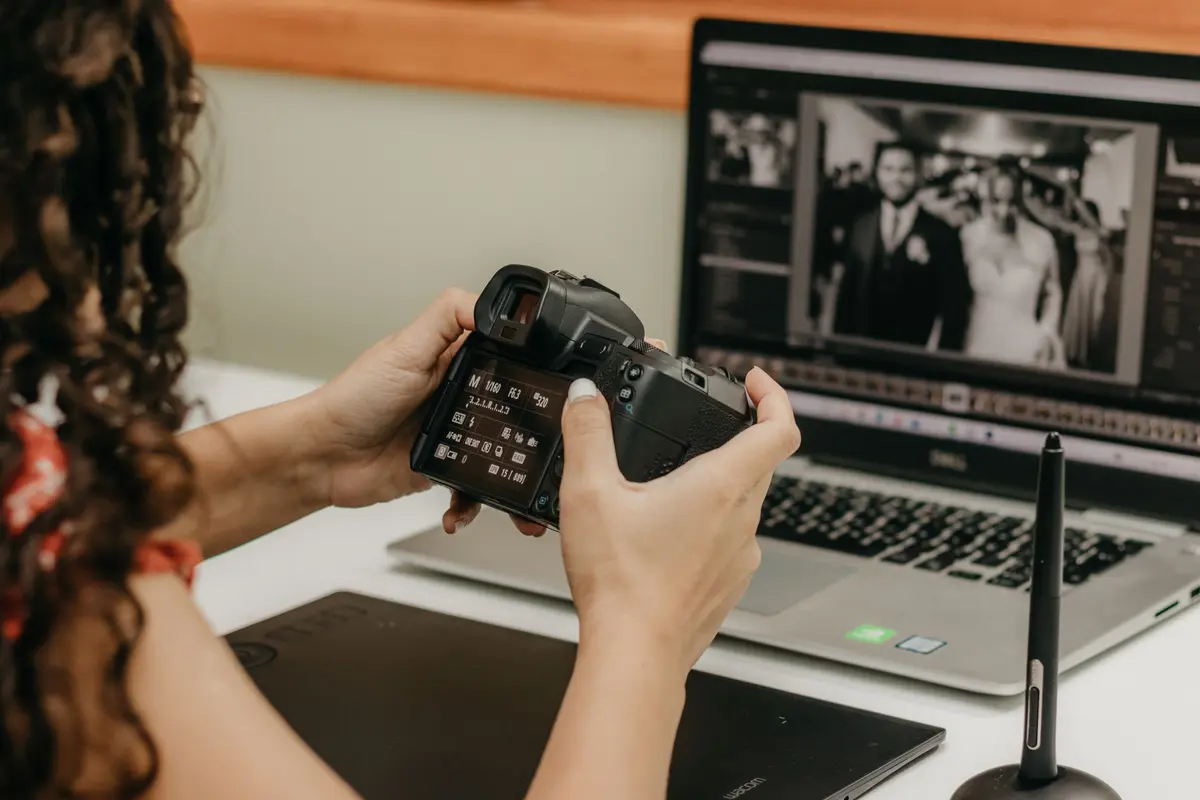
A photographer's website has exactly one failure mode: text in front of the photographs. The layout has to get out of the way.
Describe the business and the gallery is planned in as a set with the images given the space, the packages are a real priced list, and the enquiry form is short enough to be filled in.
What they came for
What people want from a photography business website
Four questions a visitor arrives with. Everything below is what the generated page does about them.
Is the work any good?
Everything else on the page is in service of this. The gallery is laid out as a set with room for one image to take featured treatment, rather than a uniform grid of thumbnails.
Do you shoot what I need?
Weddings, portraits, commercial, products — said plainly, because a wedding client and a brand client are not browsing for the same thing.
What do you charge?
Packages side by side with what's included and how long you're there. It is one of the most common enquiry questions, answered before it has to be asked.
Are you free on my date?
The enquiry form asks the date, the location and the kind of shoot — the three things you need before you can answer at all.
Common problems
What tends to go wrong on photography business websites
Three patterns that come up often. None of them is a design problem, and each is a sentence or two of work to fix.
Sixty images in the gallery
A long gallery is judged by its weakest image, and few visitors reach the end of one. A shorter, stronger set is easier to review.
Prices hidden to "start a conversation"
Without a starting price, enquiries arrive from people with very different budgets. A package price answers what most of them are asking.
A landing page that isn't a photograph
On a photography site the first screen is where an image does the most work. A text panel spends it on something else.
What gets built
What a photography business website needs
The sections Sitemo plans for photographers, in the order it puts them on the page.
The opening screen
The first screen: a photograph of the real place, the name, and the one thing you want a visitor to do next.
Services
What you sell, with prices. A list when there are many, cards with photographs when there are a few.
The facts people decide on
The handful of facts a visitor decides on — walk-ins welcome, open Sundays, free parking, fully insured.
Testimonials
Room for the reviews you already have. Your words from your customers — nothing invented to fill the space.
Your story
The short version of why the place exists, in your voice rather than a company profile.
FAQ
The questions you answer on the phone all day, answered once on the page.
Contact form
An enquiry that reaches you as an email and is kept as a record you can open later.
The ask
The line that asks for the call, the booking or the visit.
Not a fixed list. Sitemo decides which of these your site actually needs from what you describe — a photography business with four things to sell gets a different page from one with forty.
Underneath the page
And the parts that aren't pages
Most photographers need somewhere to keep this. It comes with the site rather than being a plugin you go and find.
Each one is a table you edit in your dashboard — change a price, add a service, take something off the list — and the published site follows. Enquiries arrive as an email and are kept as records you can search later, so nothing is lost because an inbox was busy.
The words
The same line, written twice
A general version of a line and a specific one, both about the same length. The difference is how much a visitor can do with it.
General
“Capturing your special moments with a documentary style.”
Specific
“Wedding photography, mostly unposed. Two of us, ten hours, around 600 edited images.”
Coverage, hours and a count are comparable; a description of style is not.
General
“Packages available on request.”
Specific
“Full day from £2,400. Half days in winter from £1,400. Albums priced separately.”
A starting price answers the budget question before the enquiry is written.
The prices and areas above are made-up examples; what is being shown is the shape of the sentence. Yours go in the box below, and the site is written from them.
Try it
Describe your photography business
This is the same box that's on the home page, filled in with the example above. Change it to yours.
Free to try · No credit card · Your site stays exportable
Questions
Websites for photographers
- Will my images be shown at a decent size?
- Yes — the gallery is laid out as a set with one image able to take featured treatment, rather than a uniform grid of thumbnails.
- Can I show packages and prices?
- Yes. Packages side by side in a pricing section, or a priced list — both are real data you edit rather than text baked into the design.
- Can I replace the stock photos with mine?
- Yes, by clicking the image on the page and choosing yours. The site ships with stock photography so it is finished on arrival, not so it stays that way.
- Will my images be compressed to nothing?
- No. Images are served in modern formats at the sizes a browser actually asks for, so a phone gets a phone-sized file and a desktop gets the full one — the page stays fast without the work looking soft.
- Can I have a gallery per kind of work?
- Yes. Ask in chat for a weddings page and a portraits page and each gets its own gallery, with the navigation updated across the site.
- Can I keep the text out of the way?
- Yes, and that is the default here — the layout for a photography site is generated with the copy kept short and the images given the width.
Where this isn't the right tool
There is no client proofing, no gallery downloads and no print sales here — those belong in a photography delivery platform, and you should keep yours. Sitemo builds the site in front of it: the work, the packages, the enquiry.