Website builder
Website builder for bars
Drinks, hours, address, and a private-hire enquiry — on a page that looks like the room it's describing.
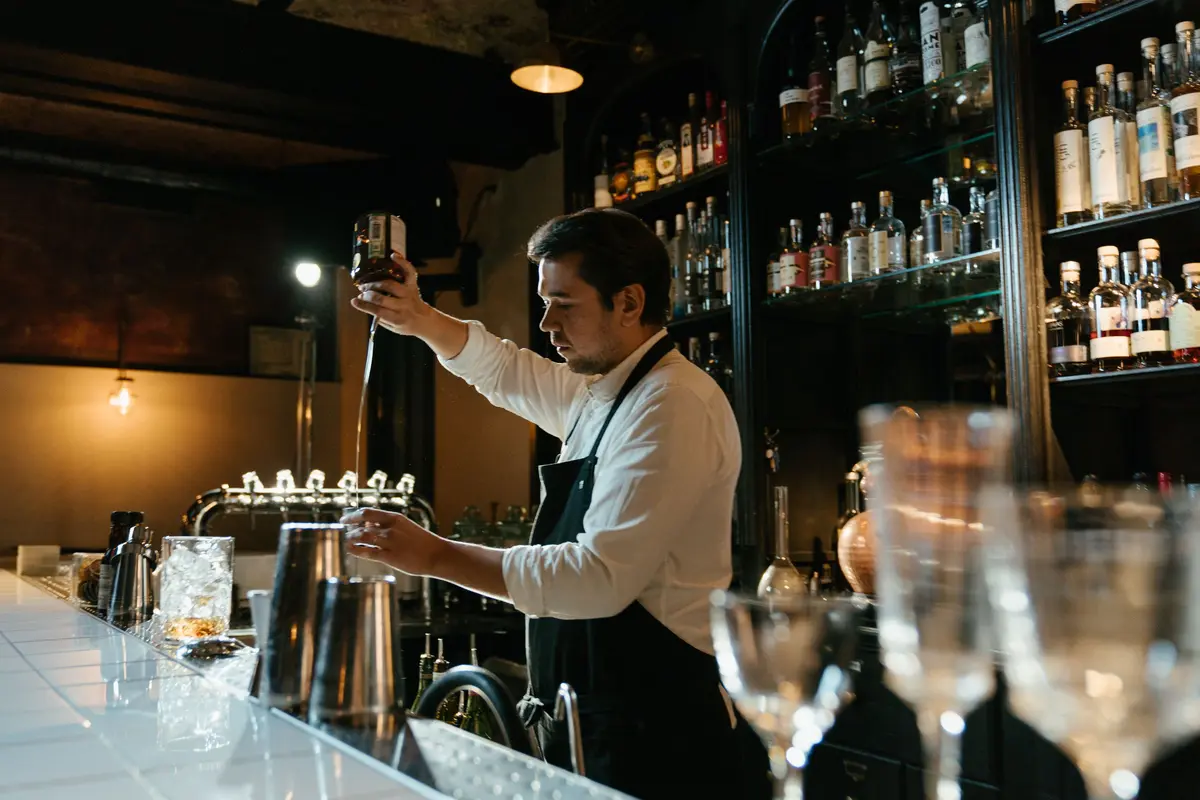
A bar sells an atmosphere, and then it sells a Friday night function. The website has to carry the first and capture the second.
Describe the bar and the photography, colours and type are chosen to match how you described it — then the practical half, the hours and the address and the hire enquiry, sits where people can actually find it.
What they came for
What people want from a bar website
Four questions a visitor arrives with. Everything below is what the generated page does about them.
What's the room like?
The photography, the colour and the type are picked from how you describe the place — because the atmosphere is what is being sold, and a bright white template sells the wrong one.
What are you pouring?
The drinks list is real priced data — house cocktails, wines by the glass, what's on tap — rather than a PDF that has to be opened and zoomed on a phone.
Are you open Sunday, and how late?
Hours day by day with the address and a map. Late closes and early Sundays are the two facts that get looked up most.
Can we take the back room?
Private hire is usually the best-paid enquiry a bar gets. The form asks the date, the headcount and the occasion, and it arrives as an email and a record.
Common problems
What tends to go wrong on bar websites
Three patterns that come up often. None of them is a design problem, and each is a sentence or two of work to fix.
The photographs are of drinks, not the room
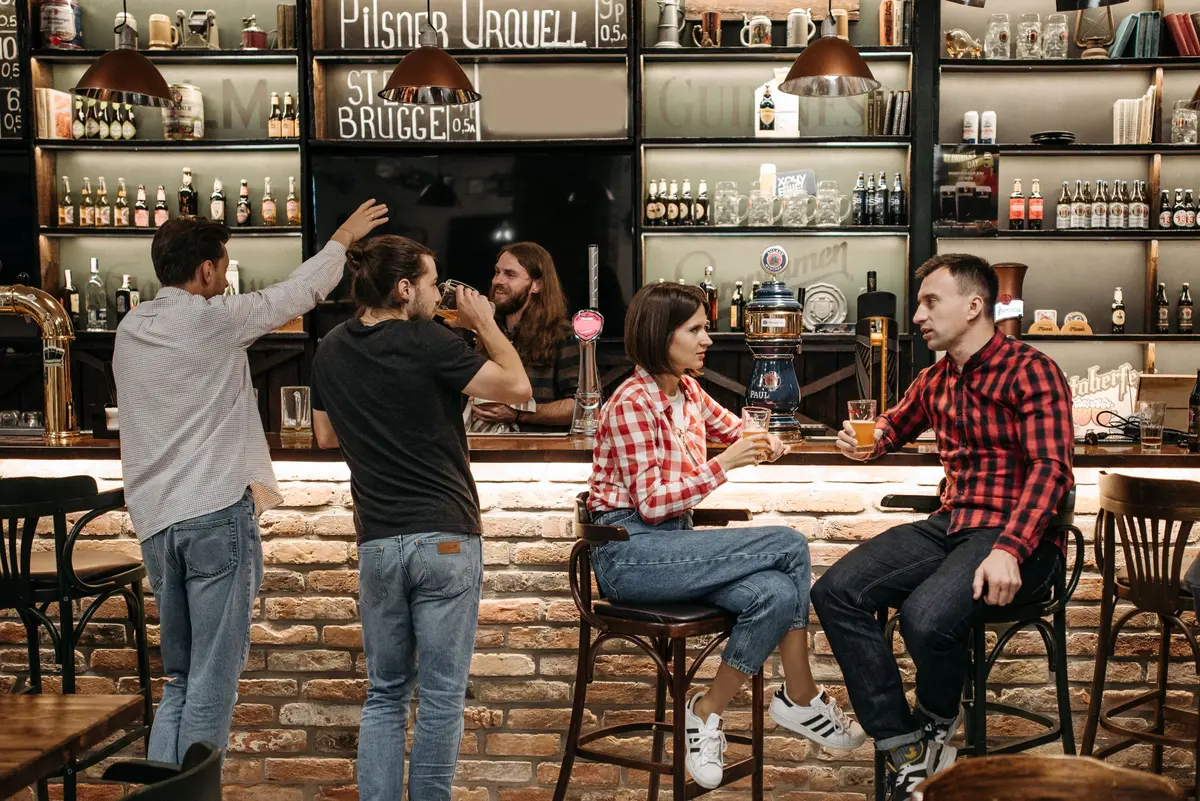
A cocktail photograph could be from anywhere. A photograph of your room on a Friday evening shows the thing a visitor is choosing between.
The drinks list is a download
A PDF has to be opened and zoomed. As text the list can be read one-handed, edited on a Tuesday, and found in a search for a particular drink.
Private hire has no form
Private hire is usually the larger enquiry. A form asking the date, the headcount and the occasion collects enough to reply with a price.
What gets built
What a bar website needs
The sections Sitemo plans for bars, in the order it puts them on the page.
The opening screen
The first screen: a photograph of the real place, the name, and the one thing you want a visitor to do next.
Menu
Dishes grouped into courses, each with its price, a line of description and a photo — not a PDF someone has to pinch to read.
Services
What you sell, with prices. A list when there are many, cards with photographs when there are a few.
How the work goes
How the work actually goes, step by step — the part that turns a quote into a booking.
The numbers
The two or three numbers worth stating plainly: years open, jobs done, hours in the smoker.
The facts people decide on
The handful of facts a visitor decides on — walk-ins welcome, open Sundays, free parking, fully insured.
Gallery
The work, the room, the finished job. Laid out as a set, so one good photograph isn't carrying the whole page.
Your story
The short version of why the place exists, in your voice rather than a company profile.
Testimonials
Room for the reviews you already have. Your words from your customers — nothing invented to fill the space.
FAQ
The questions you answer on the phone all day, answered once on the page.
Hours & location
Address, opening hours day by day, phone number and a map. For most local businesses this is the most-visited part of the site.
Contact form
An enquiry that reaches you as an email and is kept as a record you can open later.
The ask
The line that asks for the call, the booking or the visit.
Not a fixed list. Sitemo decides which of these your site actually needs from what you describe — a bar with four things to sell gets a different page from one with forty.
Underneath the page
And the parts that aren't pages
Most bars need somewhere to keep this. It comes with the site rather than being a plugin you go and find.
Each one is a table you edit in your dashboard — change a price, add a service, take something off the list — and the published site follows. Bookings hold the slot against the capacity you set and stop accepting once it's full, so the site can't promise a time you can't keep.
The words
The same line, written twice
A general version of a line and a specific one, both about the same length. The difference is how much a visitor can do with it.
General
“A unique drinking experience with a curated cocktail list.”
Specific
“Twenty-odd cocktails, half of them ours, and a back room that takes 30 standing.”
A count and a capacity are facts a visitor can act on.
General
“Open late.”
Specific
“Open until 1am Thursday to Saturday, midnight the rest of the week.”
"Late" is read differently by different people; a closing time is not.
The prices and areas above are made-up examples; what is being shown is the shape of the sentence. Yours go in the box below, and the site is written from them.
Try it
Describe your bar
This is the same box that's on the home page, filled in with the example above. Change it to yours.
Free to try · No credit card · Your site stays exportable
Questions
Websites for bars
- Can I take private hire enquiries?
- Yes — an enquiry form with the fields that matter for a function, arriving as an email and kept as a record. If you want people to pick a specific date and time, a booking section can hold the slot and refuse once it's taken.
- Can the site look dark rather than the usual white?
- Yes. Colour, type and the feel of the motion are chosen from your description, so "dim and unfussy" produces a different site from "bright and family-friendly" — and you can change all of it in the editor afterwards.
- Can I show what's on this month?
- Yes. Events can live in a table you edit, and an announcement bar across the top of the site is there for the one thing you need everyone to see.
- Can I put house rules on the site?
- Yes. Over-21s only, card only, no bookings after ten — the short-facts section near the top is where those are easiest to find, rather than a paragraph further down.
- Can I change the look for a season without starting again?
- Yes. Ask in chat — "make it warmer for winter and put the mulled wine list near the top" — and the change is applied as a checkpoint you can roll back if you don't like it.
- Whose photographs does it start with?
- Stock photography, licensed for this and credited to the photographer, so the page is finished the moment it is generated. Click any image in the editor to put your own in its place.
Where this isn't the right tool
There is no ticketing here — if you sell tickets for events, keep that platform and link to it. Sitemo is for the site that carries the room, the drinks and the hire enquiry, which is what most bars actually need and rarely have.